AuraCloud® 3D Pro
AuraCloud® 3D Pro is an aura system. Camera and hand-sensor input are used by software to create color visualizations for conversation and personal reflection.
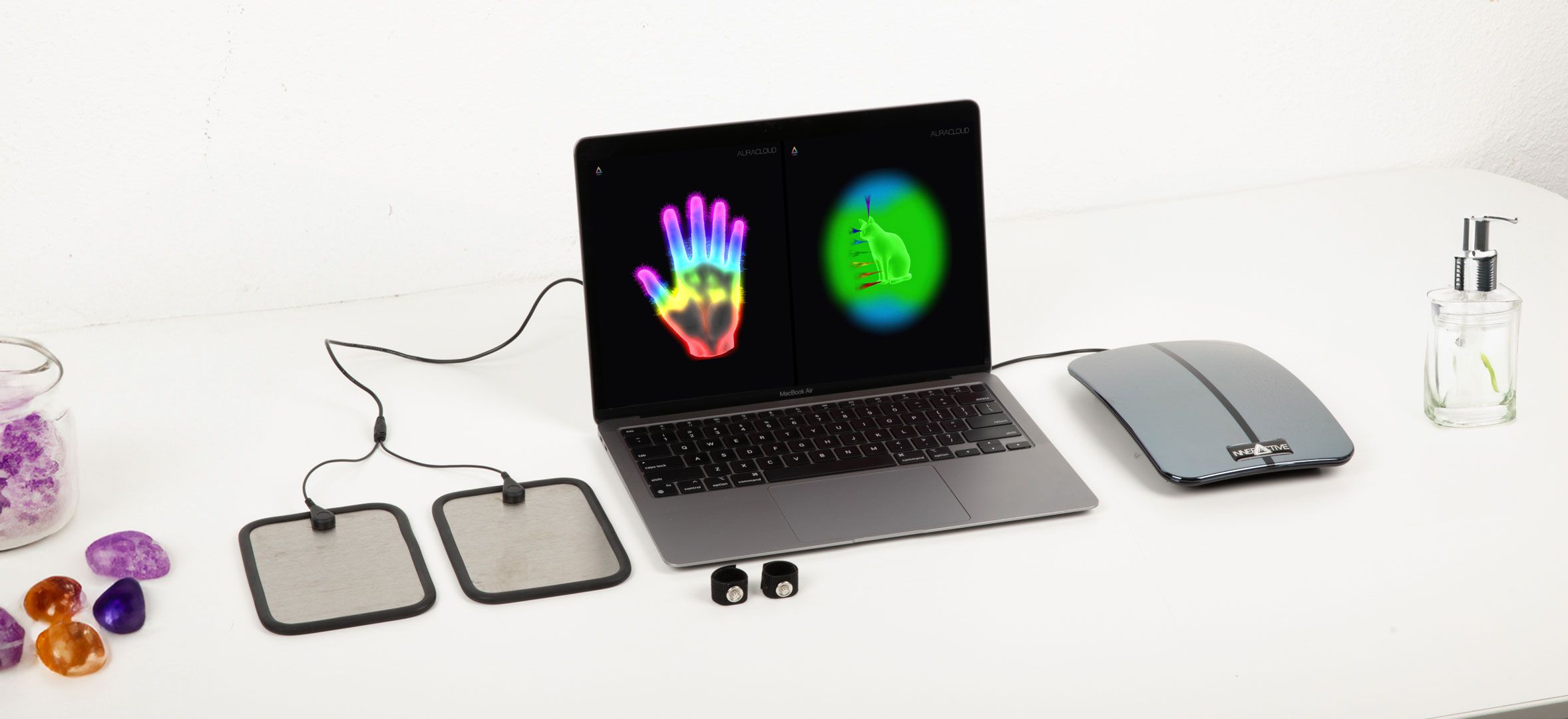
Computer not included.
Explore AuraCloud® 3D Pro
Consider a professional digital-session workflow. Decide how you want to introduce color symbolism, show the display and discuss participants' impressions. Ask which features are included in the current package.
How AuraCloud® 3D Pro Works
The camera supplies a portrait and the hand sensor supplies input to the software. Its interpretation rules create the displayed colors and graphics.
Explore Aura and Chakra Symbolism
Aura and chakra imagery draws on spiritual symbolism. Use the display to support a conversation about color symbolism.

Ask about AuraCloud® 3D Pro availability, package contents, compatibility and written pricing. Compare the confirmed offer with your planned session workflow.
AuraCloud® 3D Pro: Software and Equipment Guide
SOFTWARE
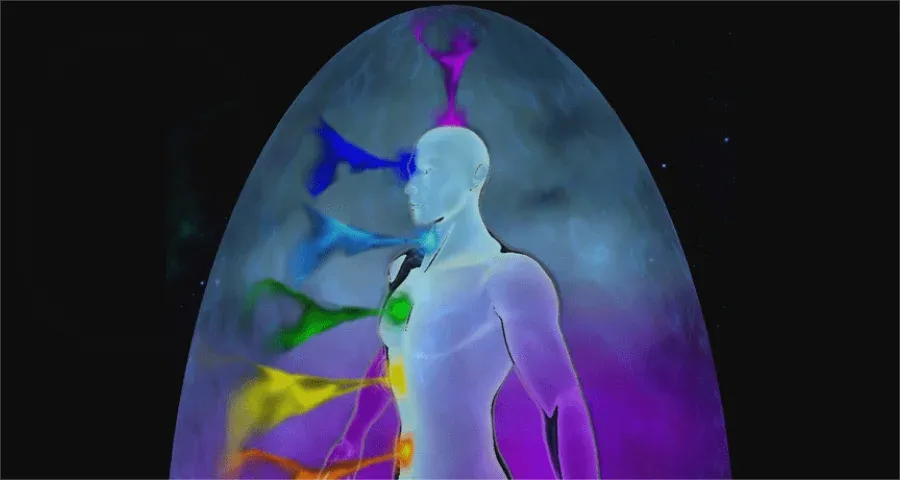
AuraSim 3D
Interactive 3D aura and chakra visualizations.
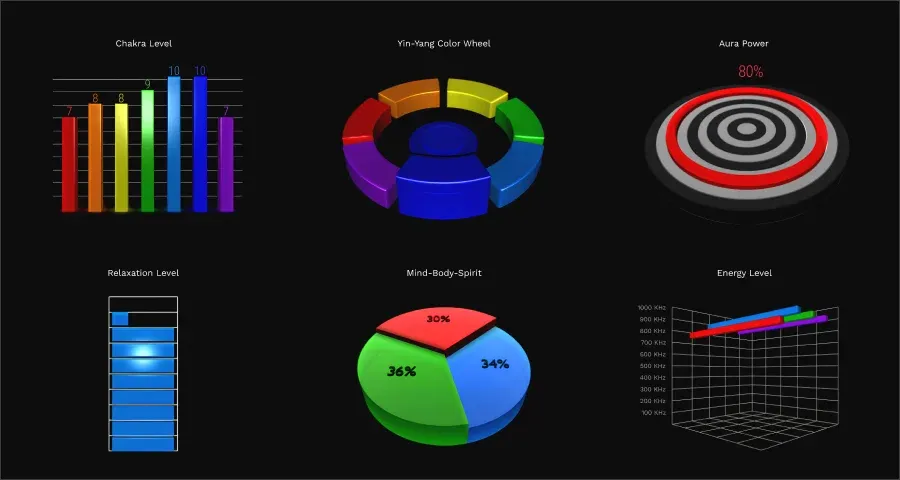
AuraGraph 3D
Graphs using aura and chakra imagery.
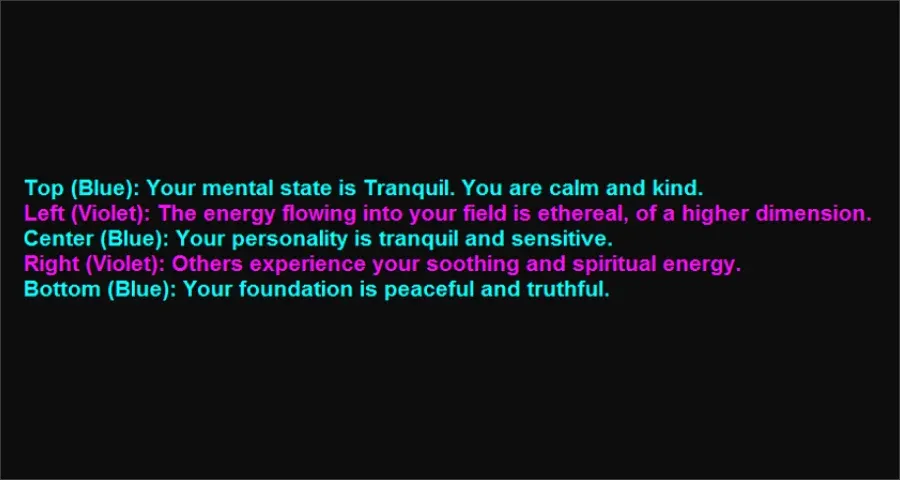
AuraScript
Software-generated interpretations for discussion.
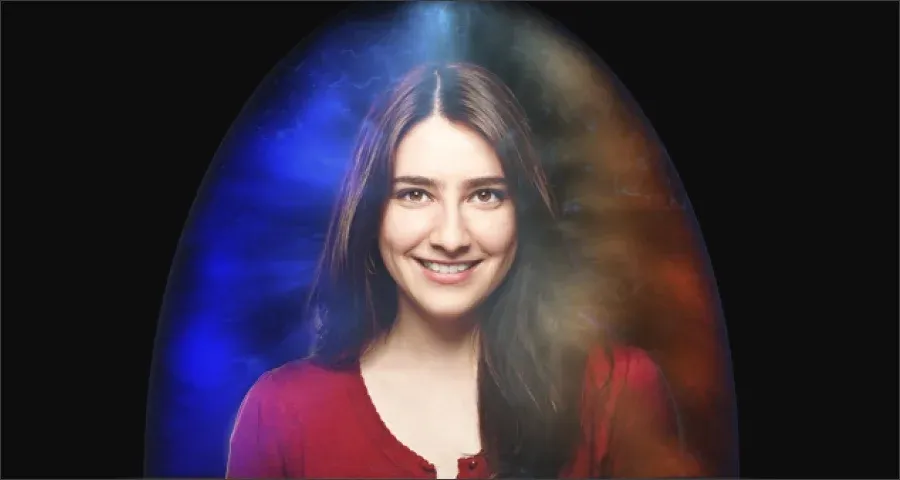
AuraVid
Video with aura-style visualizations.
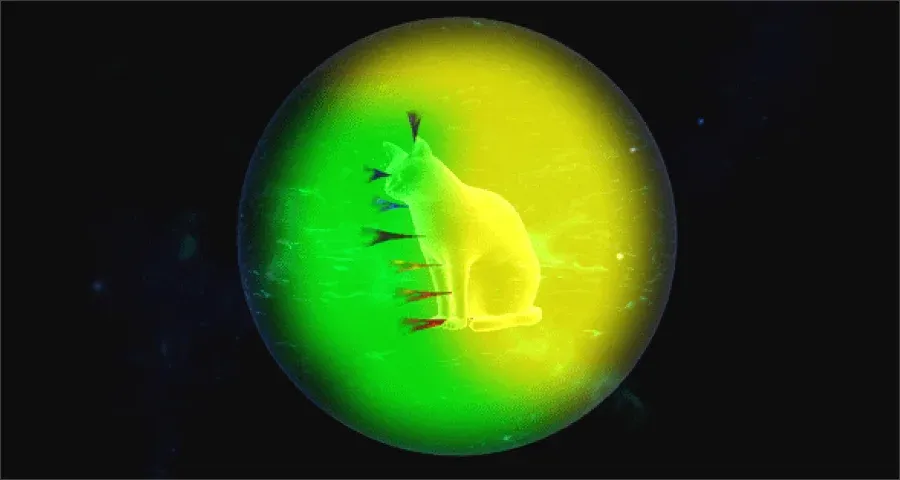
AuraPet
Explore animal aura-style visualizations in the dedicated AuraPet app.
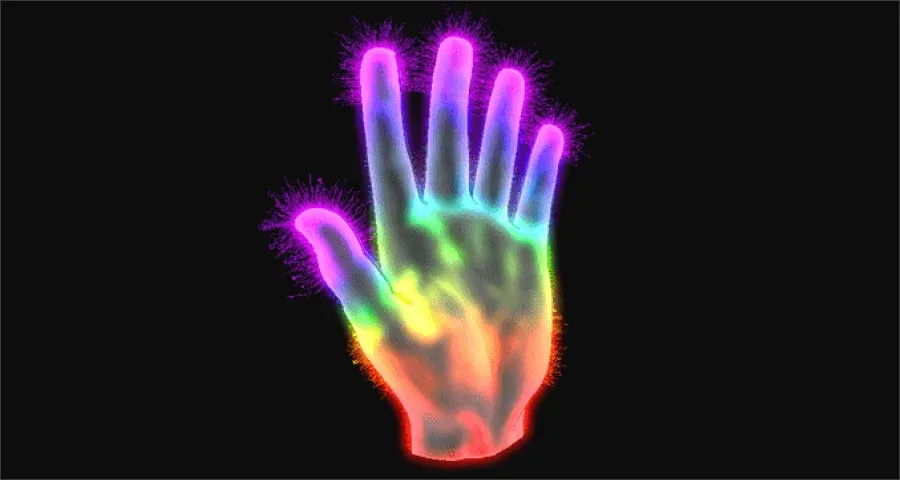
AuraHealer
View practitioner-and-client sessions in the dedicated AuraHealer app.
HARDWARE
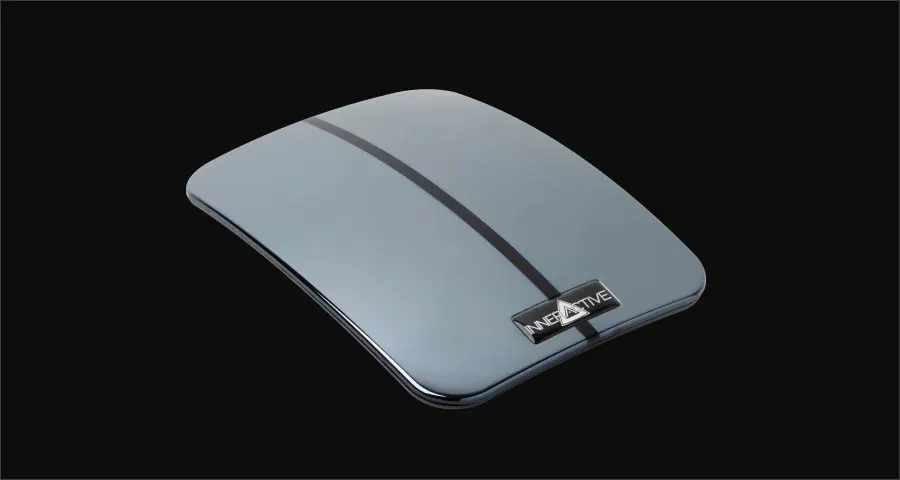
ZenSen Sensor
Hand-sensor input for the compatible software.
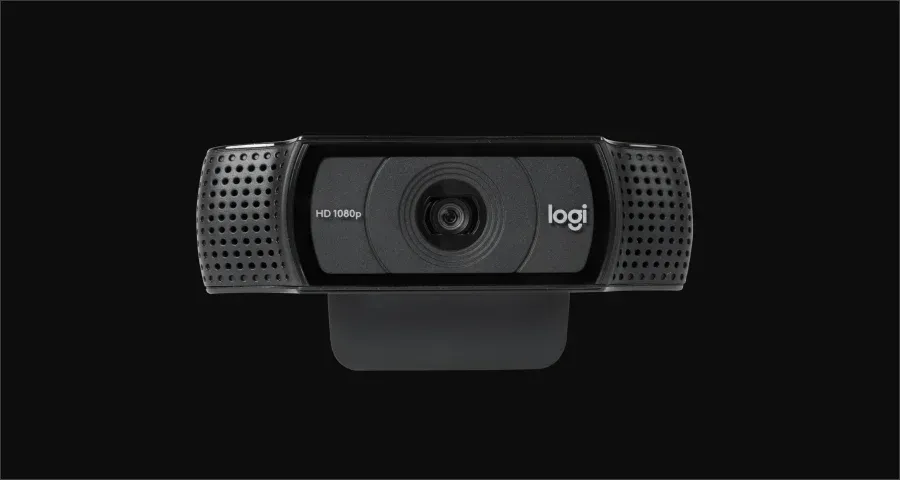
Web Camera
Camera input for the participant portrait.
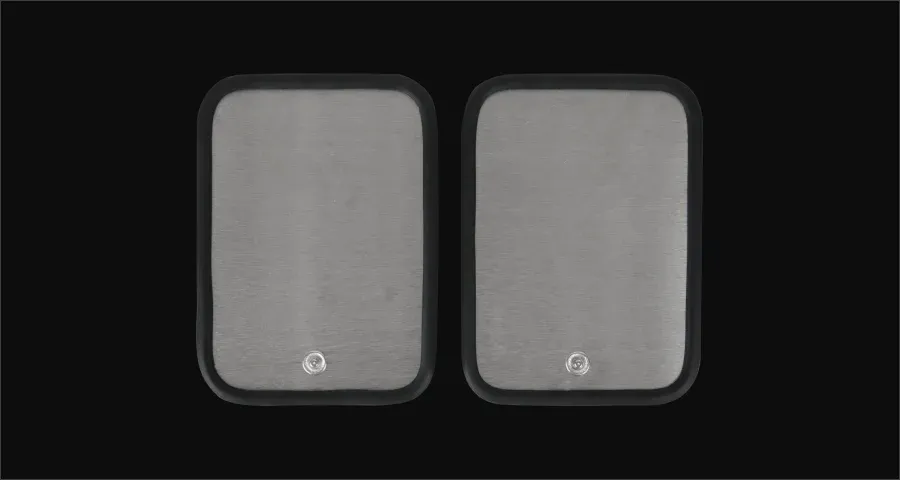
Animal Aura Paw Plates
Ask whether these accessories are available and supported with the selected version.
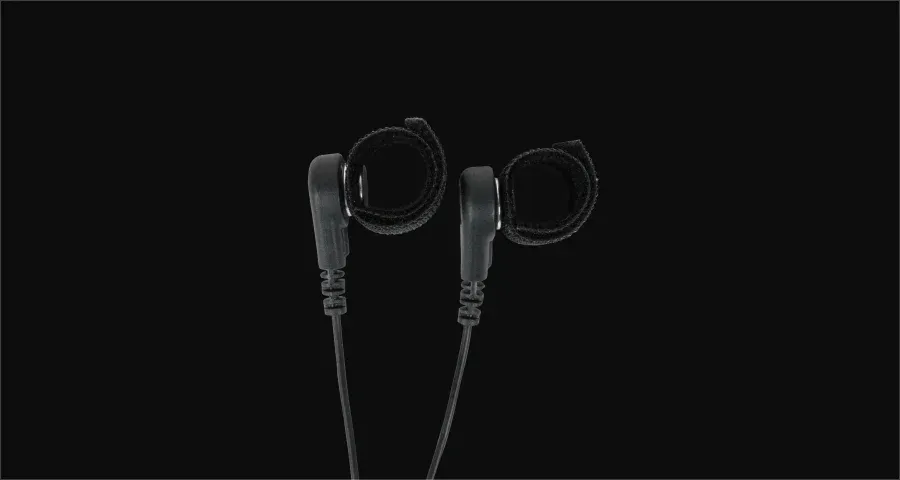
ReikiTips
Connect the ReikiTips for practitioner-and-client sessions in the dedicated AuraHealer app.
Frequently Asked Questions
A camera supplies a portrait, while a hand sensor supplies input to software. The software creates an aura-style visualization using its own interpretation rules.
The software creates a color visualization from camera and sensor input.
Bring color and conversation to your shop, studio or event with practitioner-led aura sessions. Shape the session around your audience, setting and preferred pricing.
Aura-color meanings draw on spiritual traditions and vary among readers. Keep the conversation focused on the visual experience and personal interpretation.
Ask about AVS and currently available AuraCloud options. Request the exact software version, included equipment, compatibility requirements and written price before deciding.
A participant can explore color symbolism and discuss their own impressions. Confirm the image and report options for the selected package, and ask permission before keeping or sharing session material.