How Digital Aura Sessions Work
The camera records a portrait. A hand sensor supplies input to software, which creates an aura-style color display.

Sit in Front of the Camera
The camera records the visible portrait used in the session. Follow the positioning instructions for the selected system.
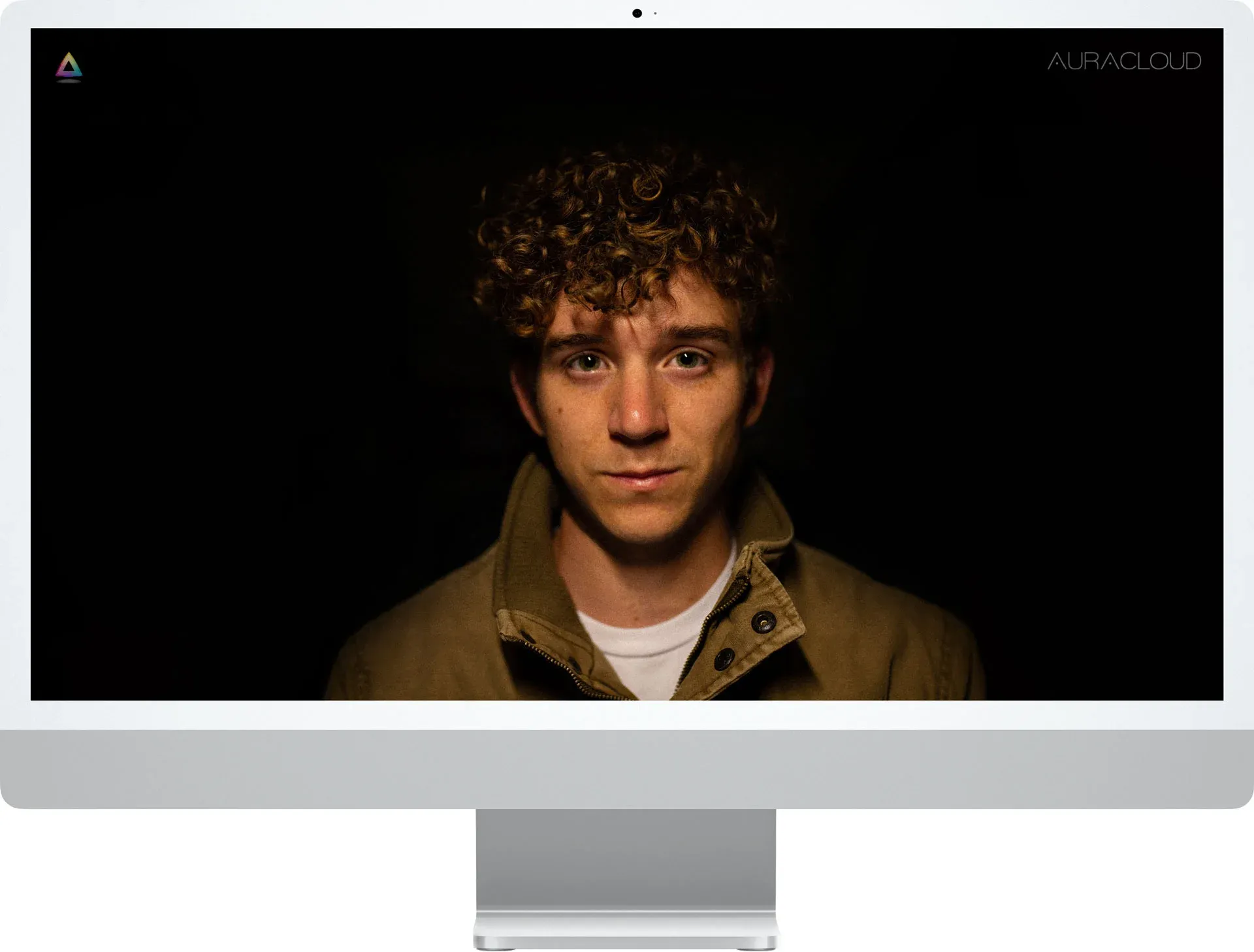
Computer not included.

Place Your Hand on the Sensor
Follow the sensor instructions so the software can receive its input.
Computer not included.

Explore the Software Display
The software presents colors and graphics for interpretation.
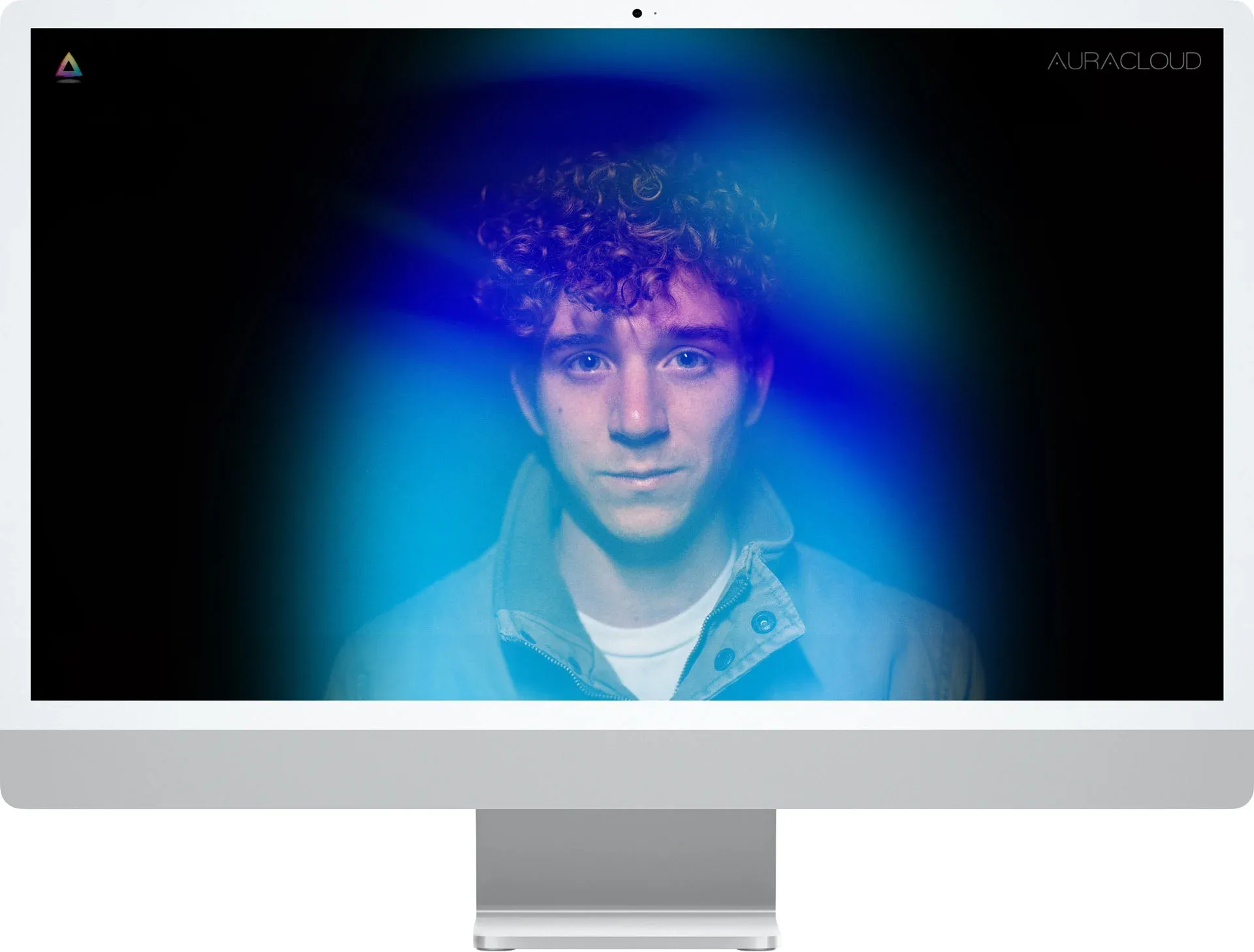
Computer not included.

Explore image and report options for the exact AVS or AuraCloud package. Confirm supported output formats and languages before planning takeaways for participants.