Caring for Aura Photography Equipment Between Sessions
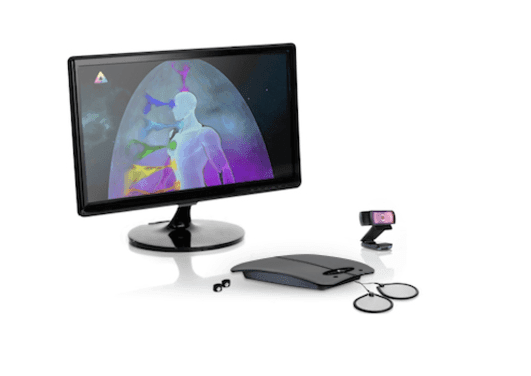
Computer not included.
Aura photography brings a camera workflow together with the color symbolism explored in aura traditions. Caring for the equipment helps keep that visual experience consistent and makes a session easier to prepare. A few familiar routines can become part of the rhythm of running your station.
Keep the Setup Ready
Give the camera, sensor and accessories a defined place. A tidy layout makes it easier to see what is connected and prepare the station for the next participant. Follow the care and setup instructions supplied for the actual equipment you use.
Care for Shared Surfaces
Hand sensors and other contact accessories are part of the participant experience. Use the manufacturer's approved cleaning method and materials for each surface. A regular routine keeps preparation straightforward and avoids improvising with products that may affect the finish or electronics.
Protect Cameras and Connections
Move equipment carefully, support cables and keep drinks away from the station. A suitable case or protected storage area can help when taking a setup to events. Before a session, check the camera view and the connections you will use.
Plan Around the Format
An instant-film workflow involves photographic supplies and the care described for that camera. A digital workflow involves compatible software, sensor hardware and a computer. Each format has its own preparation rhythm, and a simple station checklist can help you remember the practical details.
Review the Participant's View
Sit where a visitor will sit and look at the screen or camera arrangement. Adjust the setup according to the equipment guidance so the image and conversation are easy to share. This small rehearsal can also help you refine the station's welcome and presentation.
Keep Product Information Close
The instructions for your model are the right reference for maintenance, storage and supplies. Keeping them with the station makes routine questions easier to answer. For current digital equipment information, explore our aura-system guides.