Choosing Between Instant-Film and Digital Aura Photography
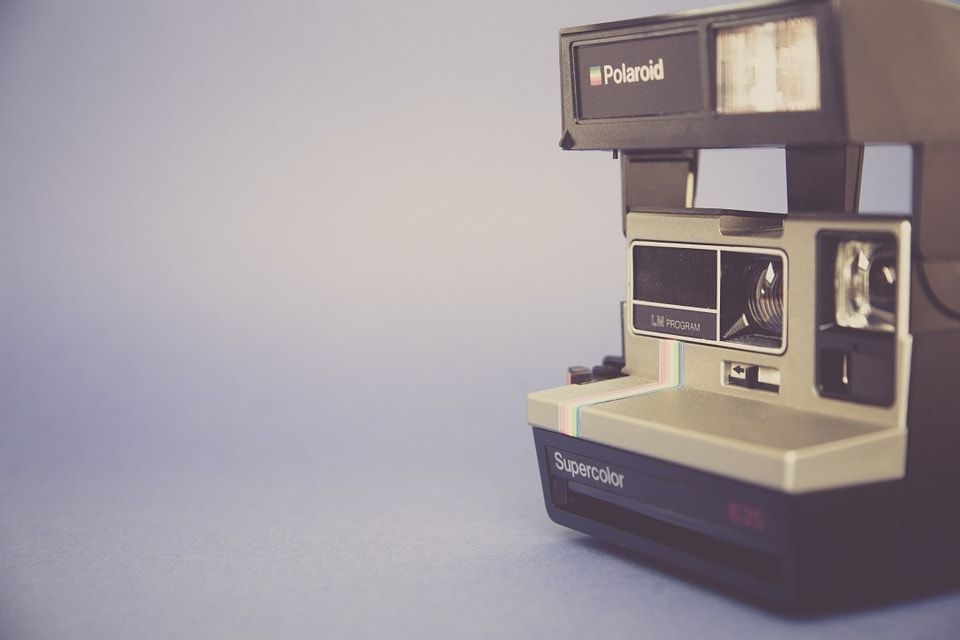
Aura photography combines a striking image with the color meanings explored in aura traditions. Instant-film and digital systems take different routes to that experience. Understanding the format helps you choose the atmosphere, session style and output that fit your setting.
1. The Image Format
AuraCamera® 6000 uses instant film to create a physical photograph. AuraCloud® 3D presents software-generated imagery on a computer using camera and hand-sensor input. One centers on the photographic print; the other offers an interactive digital display.
2. The Session Presentation
An instant-film session builds toward the photograph and the conversation that follows it. A digital session can move among portrait, chakra and graph views while the participant watches. Consider which presentation suits the people you want to welcome.
3. The Creative Setting
A film portrait can feel at home in a photographic studio, shop or event with a strong visual identity. Digital imagery adds a screen-based experience that can support demonstrations and longer conversations about color.
4. The Equipment and Workflow
Each product has its own setup, operating instructions and supplies. Film systems involve photographic consumables; digital systems involve compatible software and a computer. Planning around the actual workflow makes the station easier to use day to day.
5. The Takeaway
For instant film, the physical photograph is central. Digital output options depend on the selected software and package. Think about what visitors will enjoy taking away and how that fits your session format.
6. The Conversation
Whichever format you choose, the color story gives the session its character. A facilitator can explore themes of creativity, harmony or expression, inviting visitors to connect the imagery with their own experience.
Explore Digital Options
Aura.net promotes Inneractive's AuraCloud® 3D digital sessions. Browse the Basic and Pro packages to compare their current applications and outputs. Begin with the experience you want to create, then choose the tools that support it.