How to Capture the Best Aura Photograph
In aura traditions, portrait colors are associated with spiritual qualities and personal themes. A clear, inviting photograph helps make a color session memorable. For AuraCloud® 3D, thoughtful camera framing, hand-sensor setup and the software presentation all contribute to the experience.
See a Session in Person
Watch how a facilitator welcomes the participant, positions the camera and introduces the sensor. Notice how the portrait and software-generated imagery appear together, and how the facilitator moves from the image into a conversation about color.
Choose Equipment for Your Setting
Explore the current AuraCloud® 3D packages and request a demonstration. Consider the views you want to present, the available space and the image or report outputs you plan to offer. Basic and Pro have different application ranges.
Frame the Portrait Carefully
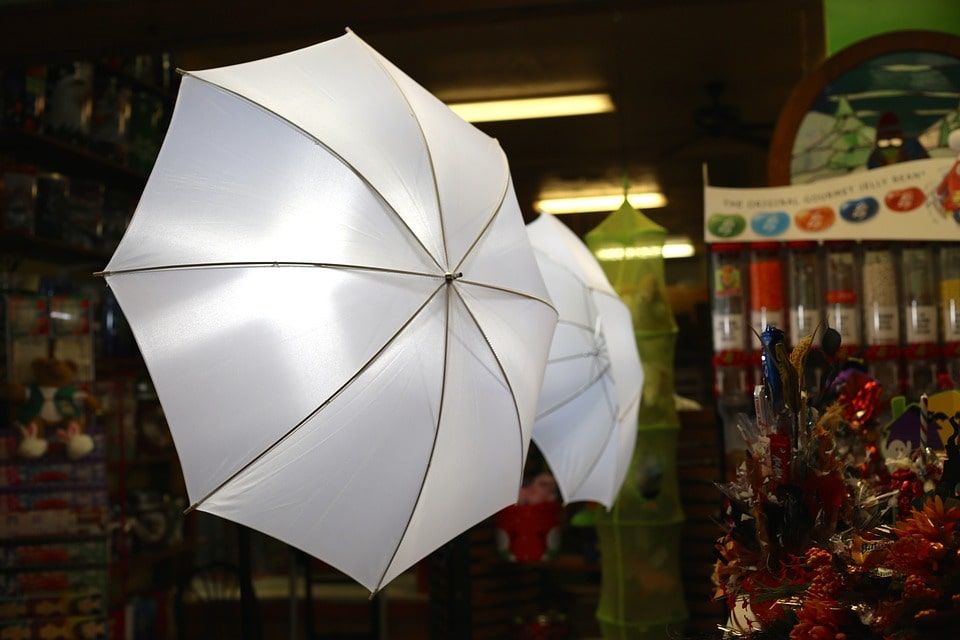
Position the camera so the face is clear and comfortably centered. Keep the background simple, test the exposure and choose lighting that shows the participant naturally. A few test portraits help you find a setup that works in your room.
Follow the Sensor Instructions
Explain hand placement before the session begins and use the equipment's intended contact workflow. The camera supplies the portrait and the sensor supplies physical input; proprietary software creates the aura- and chakra-inspired color presentation.
Welcome the Participant's Story
Give the visitor time to look at the image and ask questions. Introduce color associations from the tradition you use, then invite their own perspective. A supported portrait or report becomes a reminder of both the image and the conversation.