Explore AuraCloud® 3D: Basic and Pro
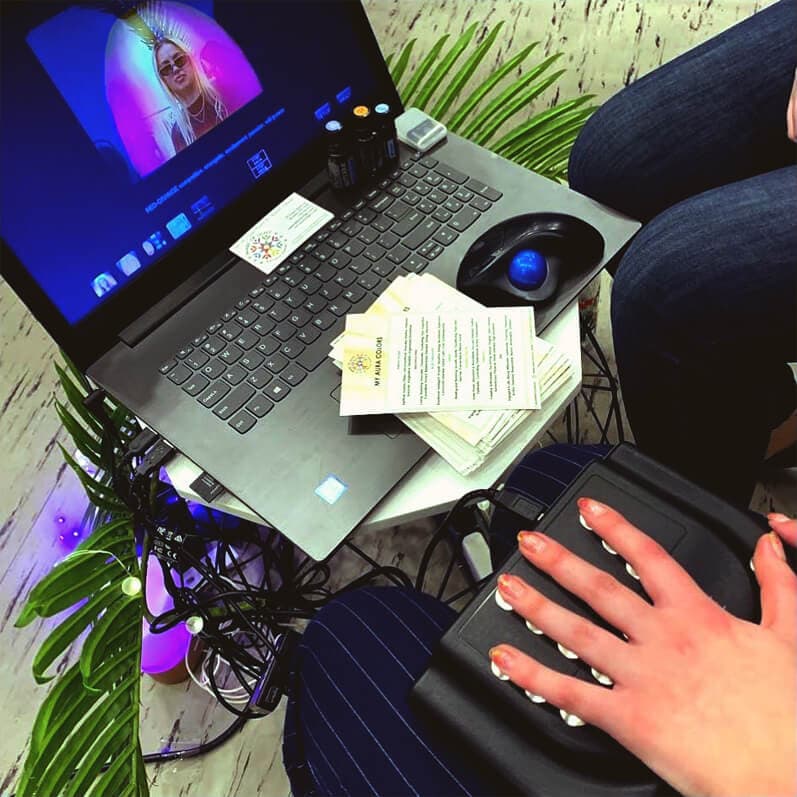
Computer not included.
Aura traditions describe a world of color around the individual, with shades linked to qualities such as confidence, creativity and connection. Digital aura systems bring that colorful vocabulary into an interactive session, combining a camera portrait, hand-sensor input and software-generated visuals.
Choosing Your AuraCloud® 3D Experience
AuraCloud® 3D brings a portrait, hand-sensor input and proprietary software together in a digital color session. Basic and Pro offer different application ranges, giving facilitators ways to shape the presentation around their audience and setting.
AuraCloud® 3D
AuraCloud® 3D uses three-dimensional aura and chakra imagery to create a contemporary visual experience. Its applications offer different perspectives on a session, including portrait-based visualization, color graphs and interpretation text.
AuraCloud® 3D Pro
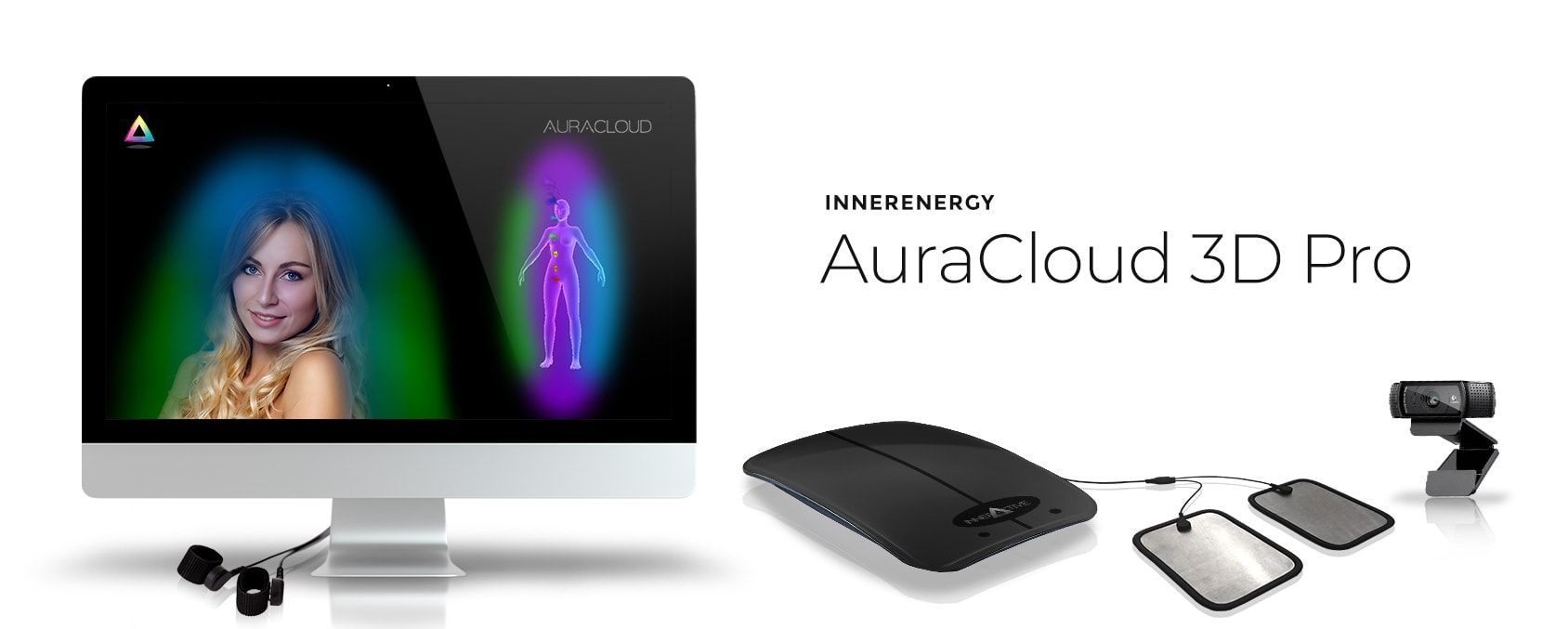 Computer not included.
Image for illustrative purposes only.
Pro expands the application range, including AuraPet for animal sessions and AuraHealer for its dedicated two-person presentation. These views give a practitioner more ways to shape a session around the participant and the occasion. The product page describes the current software and hardware configuration.
AuraCloud® 3D Basic
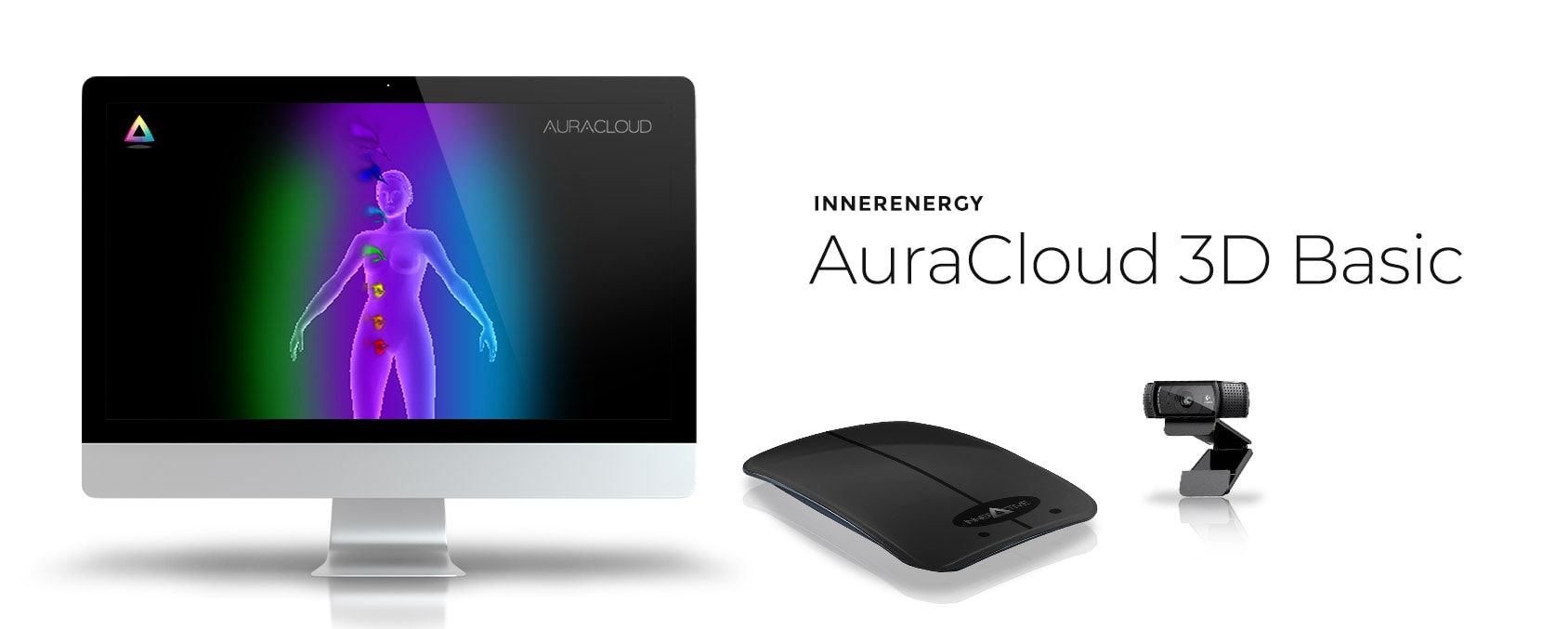 Computer not included.
Image for illustrative purposes only.
Basic centers on the core digital-session experience. Explore its product guide for the visualization, graph and interpretation tools used to introduce participants to the color story.
Choose the Applications That Suit Your Sessions
A portrait can be an inviting starting point, while a three-dimensional visualization or color graph offers another perspective. Basic focuses on the core session experience. Pro adds applications such as AuraPet and AuraHealer, with dedicated presentations for animal and two-person sessions. Explore the current Pro package to compare those options.
From Portrait to Conversation
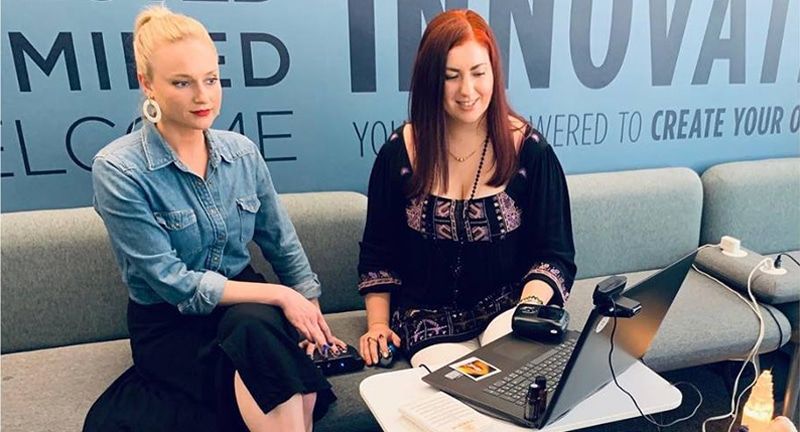 Computer not included.
Image for illustrative purposes only.
- Take a seat in front of the camera for the portrait.
- Rest your hand on the sensor as directed by the equipment instructions.
- Explore the changing display and the color themes that interest you.
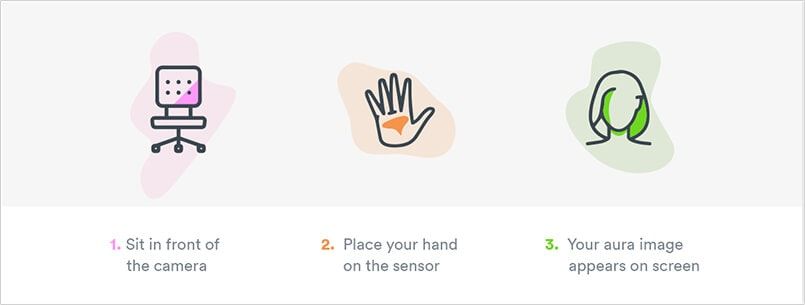
Image for illustrative purposes only.
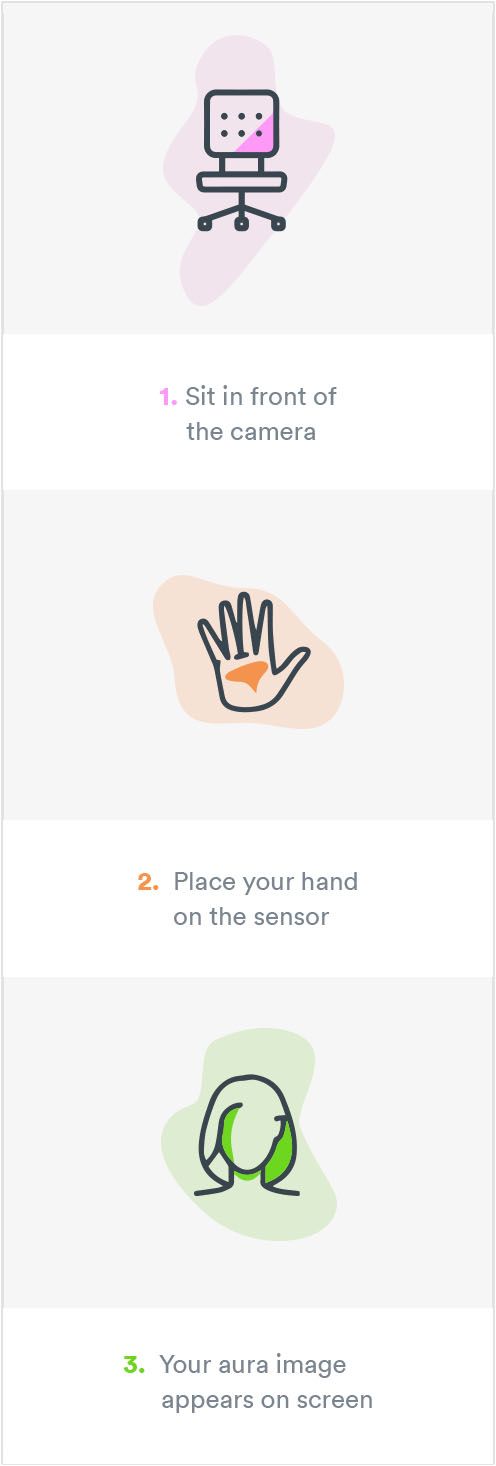
Image for illustrative purposes only.
A session becomes memorable through the questions and stories it opens up. Visit our equipment inquiry page to discuss the right system, current package contents and pricing for your setting.